Saturday, 10 August 2013

How to check my content is duplicate

0 comments
Bismillah Hir-Rahman Nir-Rahim.
Start with the name of Allah the most merciful and the most beneficent. Everyone wants to know that is their content is duplicate or not. Blog author always tries to give unique content to its visitors, but sometimes your keywords match with other blog contents and, then we get in big trouble because if Google found that your blog content is duplicate, then it will remove your blog from their search engine and disable Google ads from your blog or if you make your blog from blogger, so it will also block your blog. Now you know how important to check your content.

Tuesday, 6 August 2013

How to make a privacy policy page in blog or blogger

0 comments
How to make a privacy policy page in blog or bloggerBismillah Hir-Rahman Nir-Rahim. Start with the name of Allah the most merciful and the most beneficent. Privacy policy is the most important page for your blogger blog. Privacy policy example:
Privacy policy helps the blog visitors to know that how we collected their information.
 If you are going to add any advertisement service to your blog so you should add privacy policy page to your blog to compliance these programs. How to make a privacy policy page in blog or blogger? There are several sites who create a privacy policy, so you can easily make privacy policy from there. Or you can also make a privacy policy by yourself....

Friday, 2 August 2013

Add read more button to blogger

1 comments
read more button
Bismillah Hir-Rahman Nir-Rahim.
Start with the name of Allah the most merciful and the most beneficent. Add read more button to blogger is a very common tutorial in blogger. Read more helps in showing a post in a short way to homepage. When you click to jump break icon in blogger than read more text automatically added, but I don't like only read more text, do you? If your answer is no, so don't worry. I am going to tell you that how can you add read more button to your blog. There is a variety of read more buttons, but I'm providing you the unique and simple read more button.

Sunday, 28 July 2013

Add drop down menu in blogger

0 comments
Add drop down menu in blogger


بِسْÙ…ِ اللَّÙ‡ِ الرَّØ­ْÙ…َÙ€ٰÙ†ِ الرَّØ­ِيمِ
Start with the name of Allah the most merciful and the most beneficent. Drop down menu is the most important part of blogger, you can't do blogging until you haven't menu to your blog. Today I am providing you the best and the great drop down menu for your blog you can easily being add this drop down menu to blogger. Drop down menu will help you in containing your links on it and help your blog visitors to browse your blog. This drop down menu has been made of only HTML and CSS I have not used JavaScript in this drop down menu. Click below button to see the demo or live preview of drop down menu.

Saturday, 27 July 2013

Sticky Bar: Add top sticky notification bar to blogger

10 comments
Sticky Bar: Add top sticky notification bar to blogger
Bismillah Hir-Rahman Nir-Rahim.
 Top sticky notification bar is mostly used when you have any notification. You can easily put your any link to this top sticky bar, You can use this top sticky notification for any reason i.e add top sticky notification bar to blogger by click here. You can also see the top sticky notification bar to my blog and at lots of blogs. If you want to see a demo of this top sticky notification bar so just click to demo button.

Wednesday, 17 July 2013

Fade-in read more in JavaScript

0 comments

fade-inFade in read more text is a very simple trick in JavaScript. It is very amazing and helpful trick, if you want to know that what is fade in read more text so below is a demo of this.
Demo:

My name is Muhammad Aseel.


Thursday, 11 July 2013

How to remove or hide blogger Navbar

0 comments
blogger navbar
Bismillah Hir-Rahman Nir-Rahim.
Start with the name of Allah the most merciful and the most beneficent. How to remove blogger Navbar? it is our topic. When you start a blog so blogger Navbar is automatically enable but it is very easy to remove blogger Navbar, it will take only one minute to remove blogger Navbar. Many of blogger author know that how to remove blogger Navbar by themselves because it is too easy and simple. Why should we remove blogger Navbar? We should remove blogger Navbar because of its advantages and disadvantages..

Tuesday, 9 July 2013

Which template can I use for my blog?

0 comments

 Ø§Ù„سلام عليكم my friends today's topic is that which type of template should you use for your blog? It is very important question in blogging. It's being very good for you that you spend one minute of yours in reading this article. If your blog template is simple to use and reliable for the visitors so they should attract to your blog.

Friday, 28 June 2013

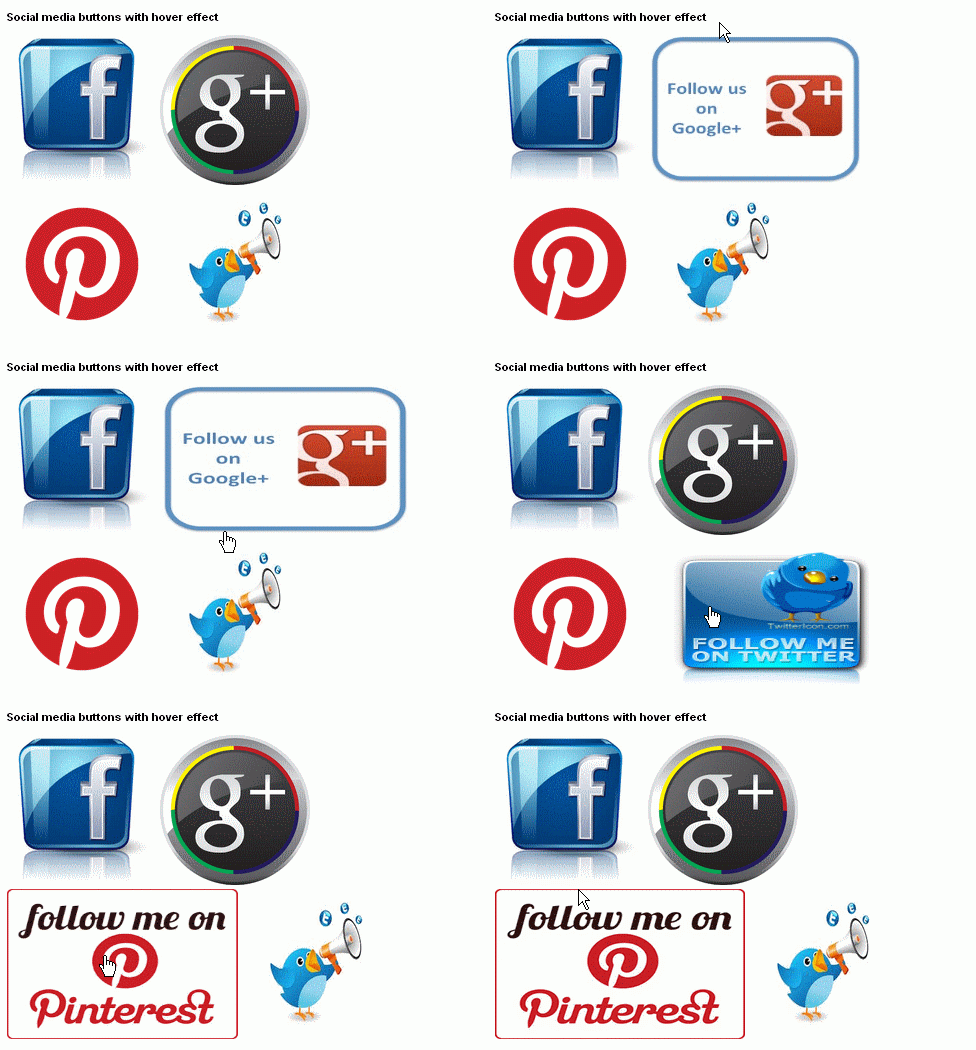
How to add social media buttons widget (hover effect) to Blogger

0 comments
hovereffect buttons
Start with the name of Allah who is most merciful, Social media buttons make your blog more attractive and gorgeous. Social media buttons help in increase your social followers and when social followers increases then automatically blogger visitor increase. Most blogs have high visitors and the reason is, they catch visitors from social sites.

How to make a CSS button

0 comments
How to make a CSS button

Today I am going to tell you that how to how to make a button in CSS. If your blog is about to download anything then, this button will help you too much after too much of hardworking I made this button in CSS which you like most. Want to make a CSS button so don't worry you just want to do some easy steps and you will be done in adding CSS button to your blog.


Subscribe this blog and get daily this blog articles to your email.

Subscribe us